Catch the Space.
Keep it forever.
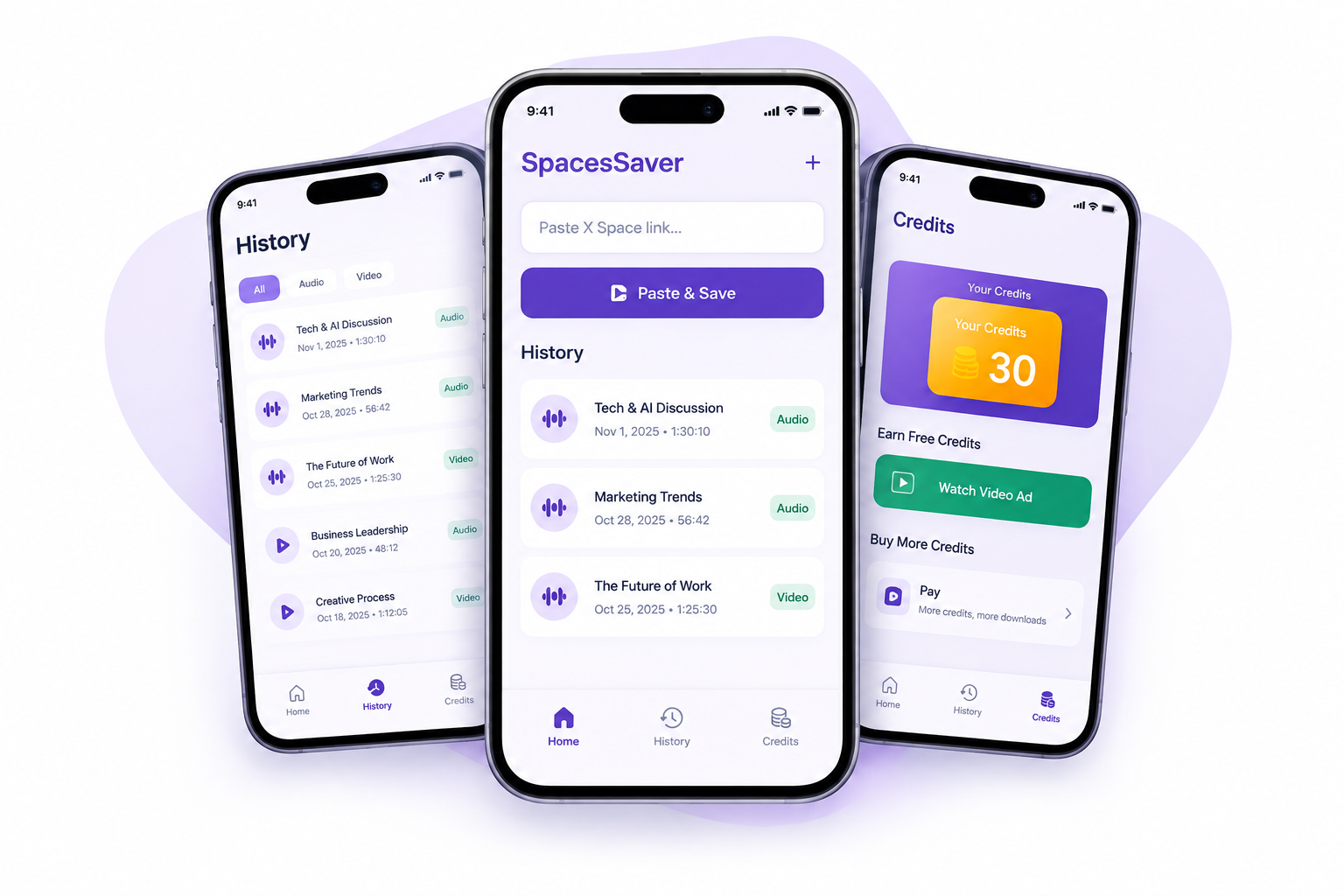
Download live and recorded X (Twitter) Spaces as clean audio or video. Paste a link, tap once, and the whole conversation is in your pocket — ready offline.
★★★★★ 1K+ downloads

Save Your Favorites
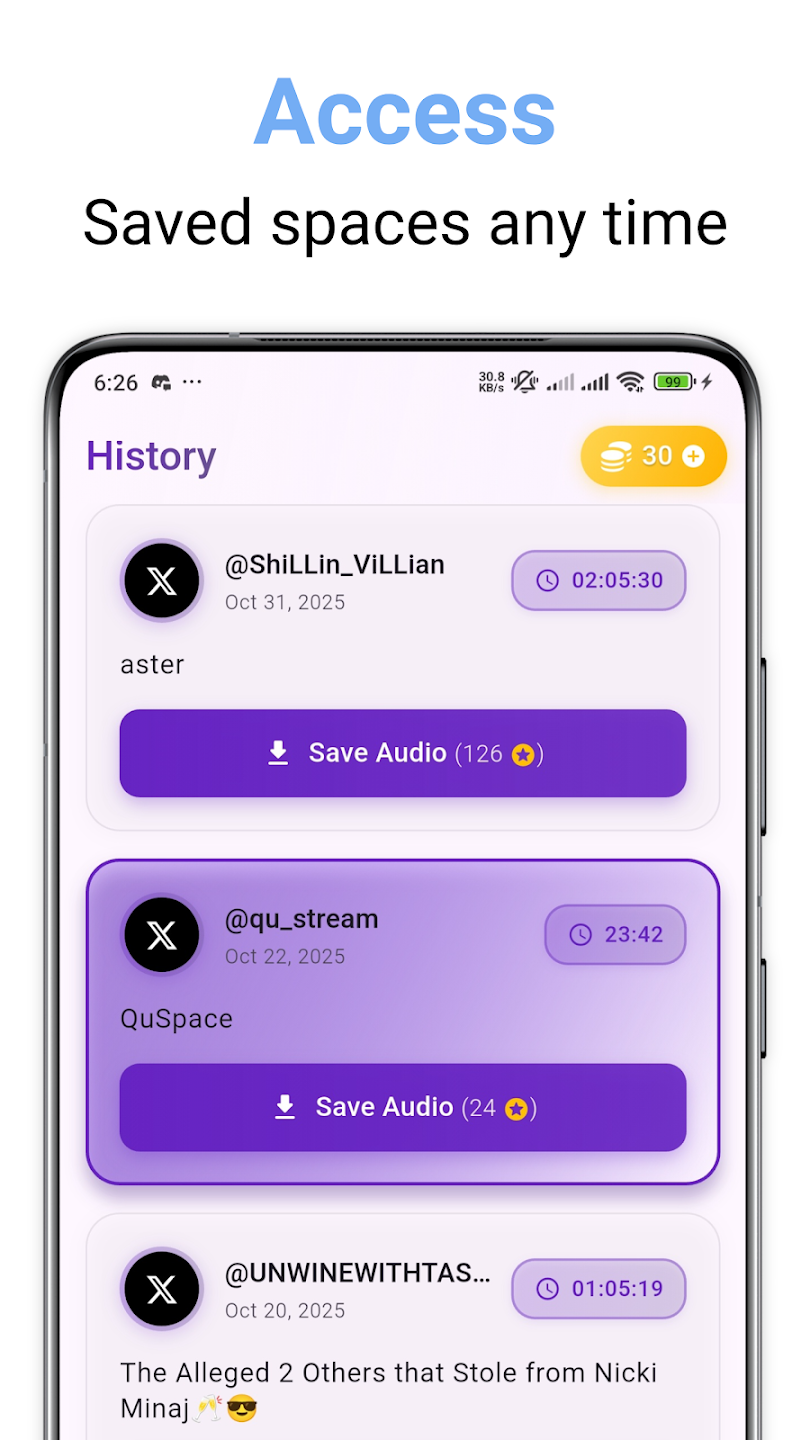
Keep important conversations, valuable insights, and memorable discussions saved for later.

Capture Live Spaces
Save supported X Spaces and revisit conversations that matter to you.

Access Your Saved Content
Keep your saved audio and video organized and available for playback whenever you need it.
Everything You Need to Save a Space
A simple, convenient way to save supported Spaces content and return to conversations worth remembering.

One-Tap Downloads
Save supported audio or video with a straightforward process designed to make downloading quick and convenient.

Live Spaces Support
Capture supported live Spaces so you can keep track of meaningful discussions and revisit them later.

Long Form Conversations
Keep valuable discussions, interviews, lessons, and extended conversations for later listening or viewing.

Easy Link Sharing
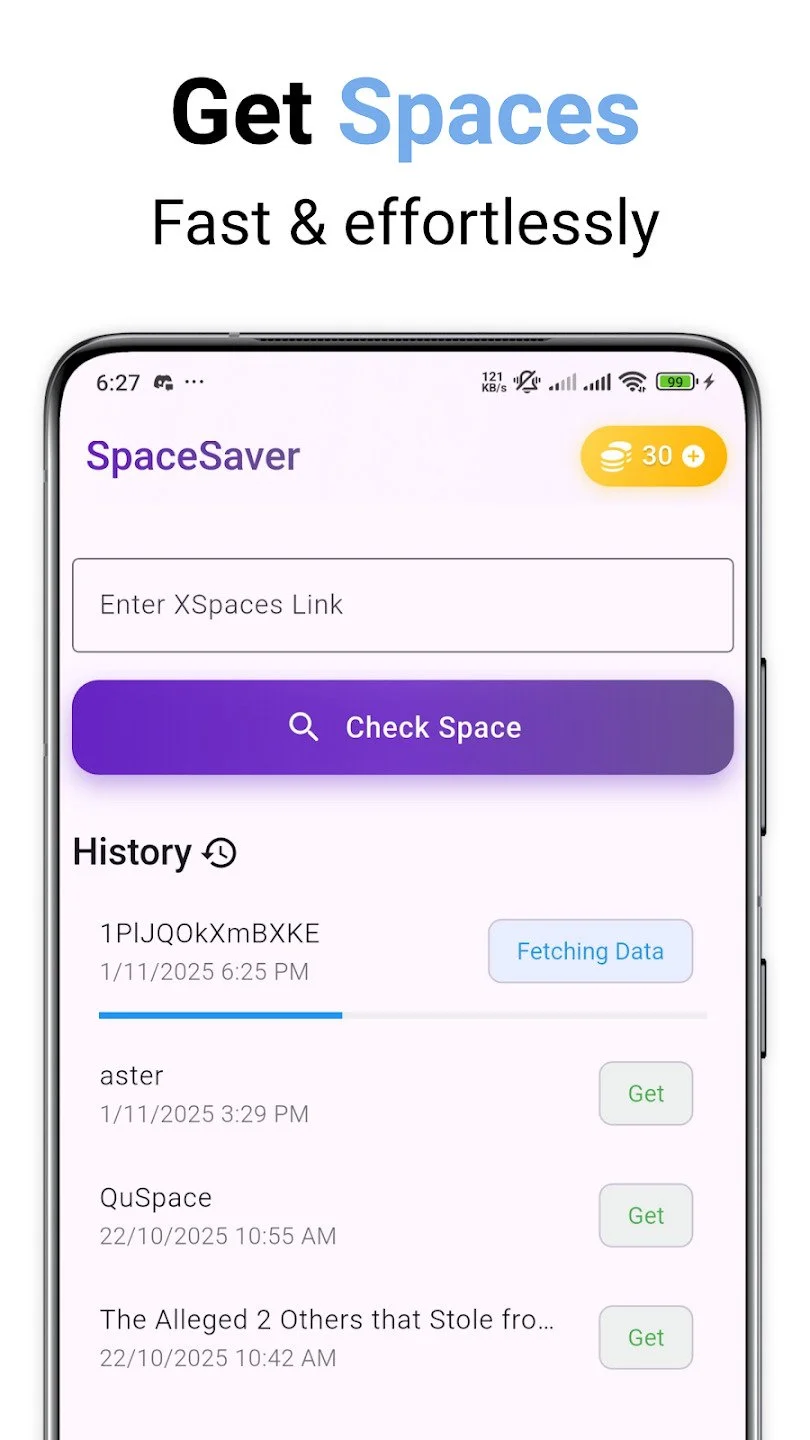
Use a supported X Space link to get started and save content through the app's available workflow
A Closer Look
From Space to Saved
Getting started is simple. Follow a few steps to save supported Spaces content and return to it when you have time.
1
Get the Space Link
Find the X Space you want to save and copy its link, or share it with the app if that option is supported.
2
Paste and Download
Find the X Space you want to save and copy its link, or share it with the app if that option is supported.
3
Enjoy It Later
Find the X Space you want to save and copy its link, or share it with the app if that option is supported.
Frequently Asked Questions
-
Spaces Audio Downloader is an app designed to help users save supported audio and video content from X Spaces for later access.
-
Install the app, copy the link to a supported X Space, and follow the in-app instructions to process and save the available content.
-
The app listing describes support for recorded and live Spaces. Availability may depend on the Space, the link, and the app's current capabilities.
-
The app is designed for supported audio and video from X Spaces. Check the app for current format, link, and content compatibility.
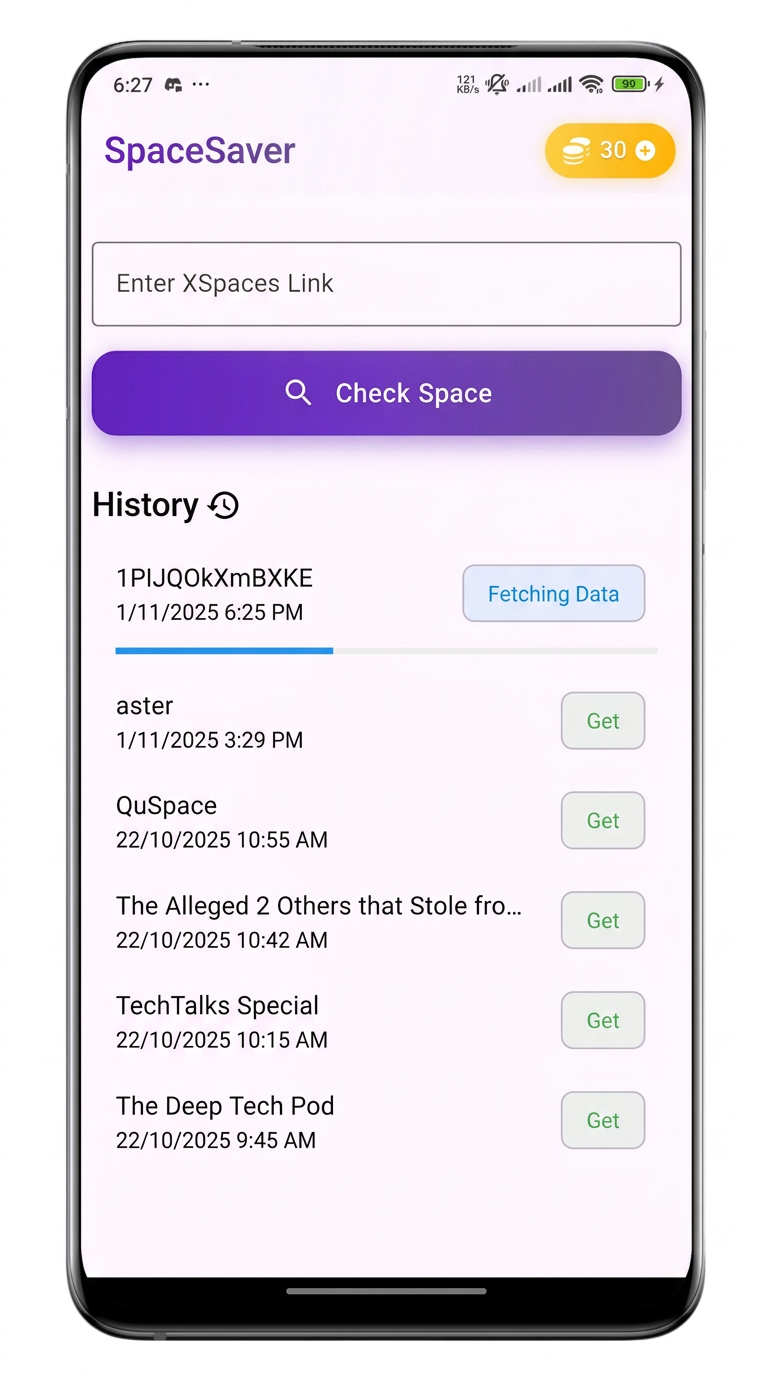
Keep the Conversations Within Reach
Save the Spaces that matter to you and revisit important discussions whenever you need them.